 in the main window, and select Full.
When you are done with the initial setup of the application and data, initiate a Full process.
1. Right-click the name of the Analysis Services database in the main window, and select Full.
2. Click Start in the Full window that displays.
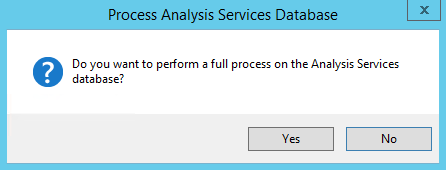
3. Confirm that you want to proceed with a full process.
4. After the process has completed, close the Full window.